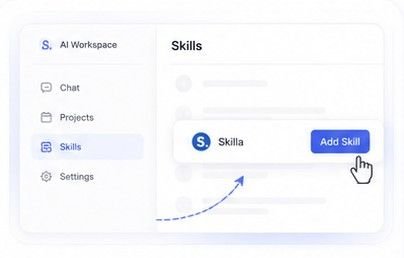
1Add the Skill
Drop Skilla into your AI workspace once. From then on it's a reusable workflow, not a prompt you have to rewrite.

Tell Skilla what you're selling. It walks you through offer, copy, design,
payments and deployment — and hands you a page ready to launch.
One-time payment · No subscription · Setup videos included
The workflow
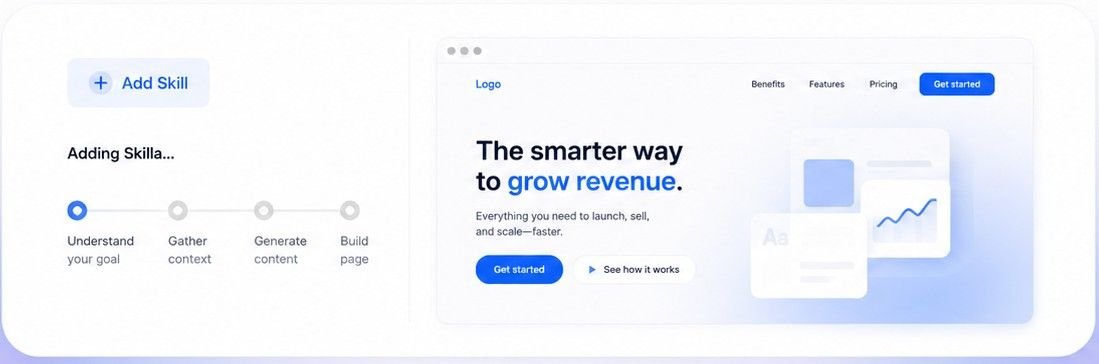
Skilla guides your AI step by step — from what you sell to a ready-to-launch page with structure, design, selling features and a real launch flow.
Drop Skilla into your AI workspace once. From then on it's a reusable workflow, not a prompt you have to rewrite.
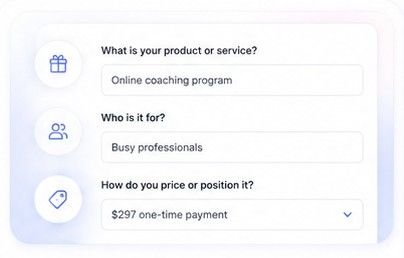
It asks what you sell, who it's for and how you price it — so the offer is decided before a single line of copy is written.
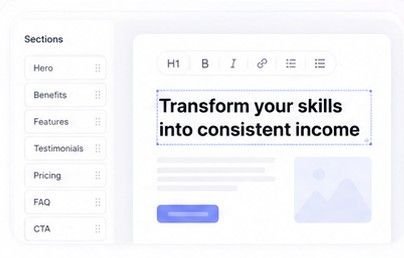
Skilla builds the page sections, the key message and the persuasive copy — a sales page, not a website with nice spacing.
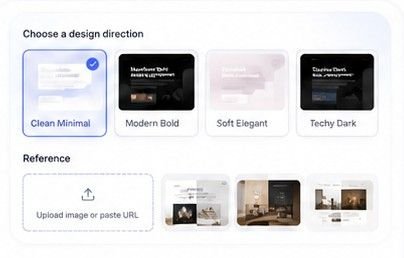
Show it a reference you like or pick a style. The page comes out looking the way you wanted, and you keep adjusting it.
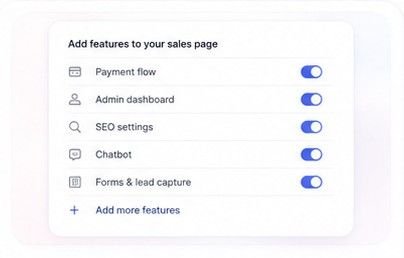
Payment flow, admin dashboard, SEO, chatbot, forms and customer data — configured as part of the build, not bolted on later.
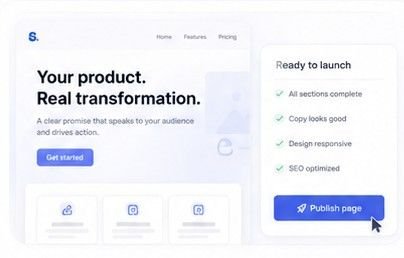
Preview the result, make quick edits, then deploy and check the page on your real domain. Live, not previewed.
See it run
The same workflow adapts to a different offer, a different market and a different page every time.
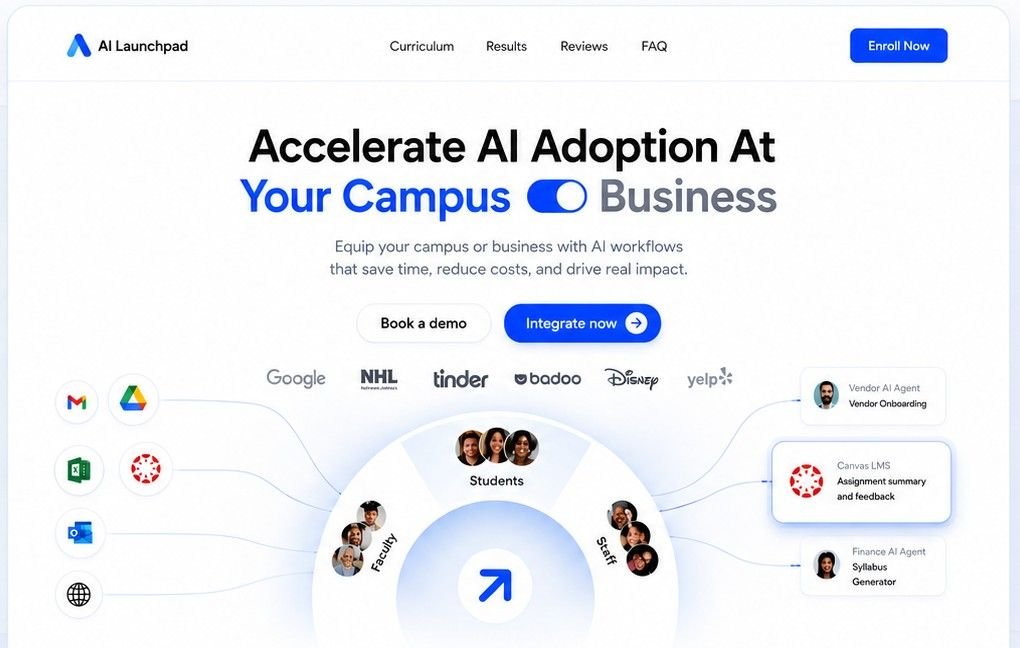
SaaS — trial signups and a pricing page that closes
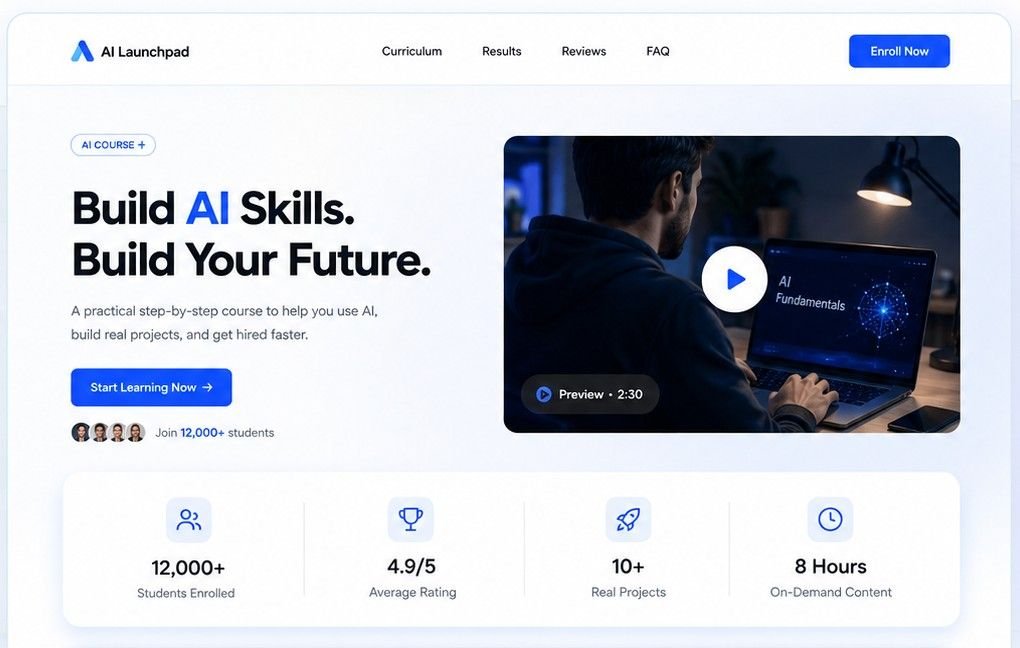
Course — curriculum, proof, enrolment and checkout
Who it's for
If you need one page ever, you don't need Skilla. If you need a page every week, this is the whole point.
Every product and every niche needs its own page to test. Launch fast, then spin up variations without starting over.
Each campaign and each offer gets a dedicated page — built quickly, with your affiliate links structured in from the start.
You need variants to test, not one perfect page. Duplicate, edit and ship the next version while the ads are still running.
Every course and every launch needs its own sales page — persuasive copy, offer structure, checkout and conversion in one pass.
You build pages over and over for different clients. Run the same process each time and customize the output per brand.
You can build the product with AI. Skilla turns it into a page that explains it, sells it and actually takes money for it.
Why this is different
Most AI tools hand you a website. Skilla carries the thinking — offer, pricing, message, structure — and then everything it takes to put that page in public.
What you can count on
Detailed walkthroughs waiting in your dashboard the moment you pay. Watch, follow, ship — nothing left to guess.
Stuck on a step? Write in and get a real answer from the person who built it — not a ticket queue.
One payment, no subscription. Run it on the next product, the next campaign and the next client at no extra cost.
Pricing
A single landing page runs $300 to $1,500 — and you get that one page. Skilla is $29 once, and you run it again for the next product, the next campaign, the next client.
Skilla. — full access
One-time payment. No subscription.
Instant access. Sign in with Google after checkout to download the skill and open the tutorials.
After checkout
One click. No password to create, nothing to remember, no activation email to hunt for.
Secure payment through Lemon Squeezy. Card or PayPal, done in under a minute.
Download the skill file, watch the detailed setup videos, and reach support if you need it.
Q&A
Whichever one you already use. Skilla is written to run across models and platforms rather than being tied to a single vendor's tool — so it still works when you switch.
No. You answer questions and make choices. The skill handles the build, and the page ships with an admin panel so you can edit it later without touching code.
No — that's the point. It doesn't wait for you to phrase things well. It asks for exactly what it needs, one step at a time, and moves you forward.
No. A template gives you a layout. Skilla gives you the decisions first — offer, pricing, message, structure — and then the layout, the selling features and the deployment.
Yes. It comes with a basic admin and CMS: edit content and images, manage your information, and see customer data — without going back to the AI for every small change.
Yes. Freelancers and small agencies are one of the main reasons it exists. Run the same process per client and customize each build to their brand.
You'll sign in with Google and land in your dashboard, where the skill file and the detailed setup videos are already waiting.
There are step-by-step videos in your dashboard, and you can email pennydinh@socialboxy.com for help.
Walkthrough
A full run of the workflow — installing the skill, answering the questions, shaping the design, turning on the selling features and deploying the page.
assets/walkthrough.mp4, or paste a YouTube link in Admin → CMS → Video.
You already know what you're selling. Skilla takes it from there — offer, copy, design, payments, admin, deployed. Twenty-nine dollars, once, and the process is yours for every page after this one.
Get Skilla — $29Setup videos included · Email support · Runs on the AI you already use
Your dashboard is ready — the skill file and the walkthrough videos are waiting, and the download starts on its own.
Open my dashboard